照片三维空间动作化AE模板素材Photomotion X - Biggest Photo Animation Toolkit (5 in 1)
追功网为用户提供AE模板视频相册系列:照片三维空间动作化AE模板素材Photomotion X - Biggest Photo Animation Toolkit (5 in 1)的在线预览以及工程源文件的下载服务。
关键词:2D到3D,3D动画,Cinemagraph,instagram,完整性,视差,照片动画,照片动画师,照片运动,摄影,照片运动,照片,投影,幻灯片,2d to 3d, 3d animation, Cinemagraph, instagram, integnity, parallax, photo animation, photo animator, Photo Motion, photography, photomotion, photos, projection, slideshow, youtube


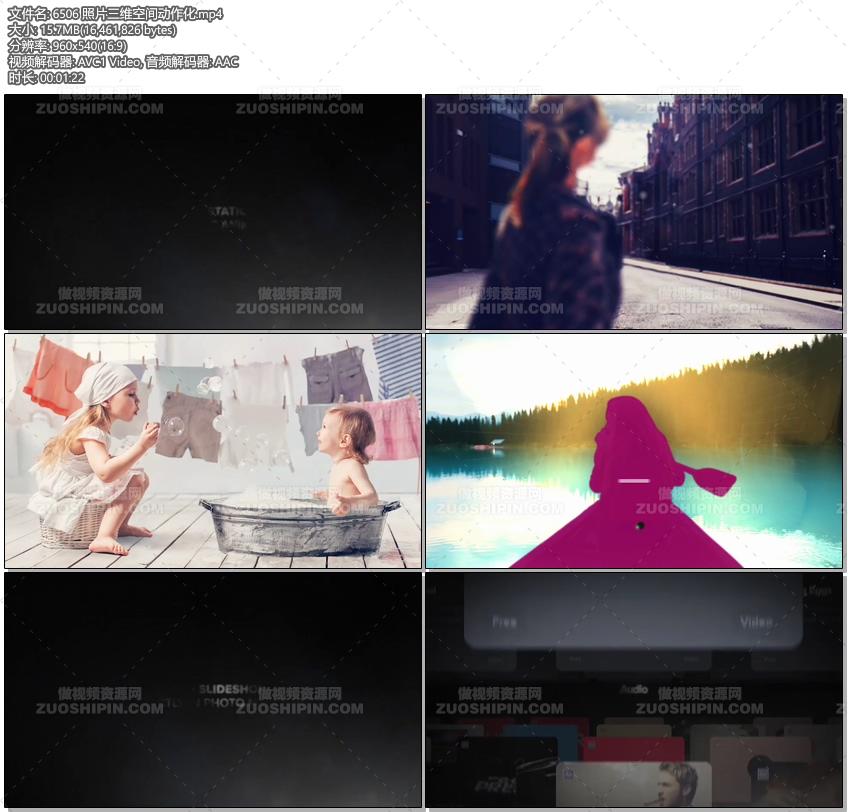
Welcome Photomotion X
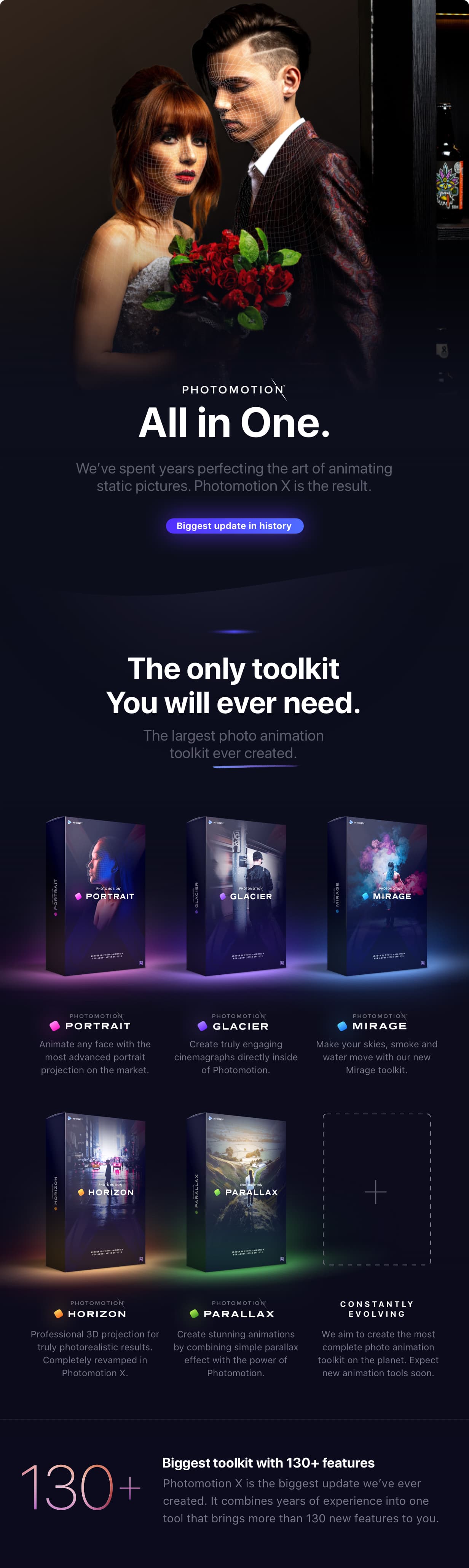
We’ve spent years perfecting the art of animating static pictures. Photomotion X is the result.Five Products in One.
The largest photo animation toolkit ever created. Portrait Animate any face with the most advanced portrait projection on the market. Glacier Create truly engaging cinemagraphs directly inside of Photomotion. Mirage Make your skies, smoke and water move with our new Mirage toolkit. Horizon Professional 3D projection for truly photorealistic results. Completely revamped in Photomotion X. Parallax Create stunning animations by combining simple parallax effect with the power of Photomotion. + more coming soon We aim to create the most complete photo animation toolkit on the planet. Expect new animation tools soon.100+ New Features
Photomotion X is the biggest update we’ve ever created. It combines years of experience into one tool that brings more than 100 new features to you.Easier Than Ever with Smart Interface.
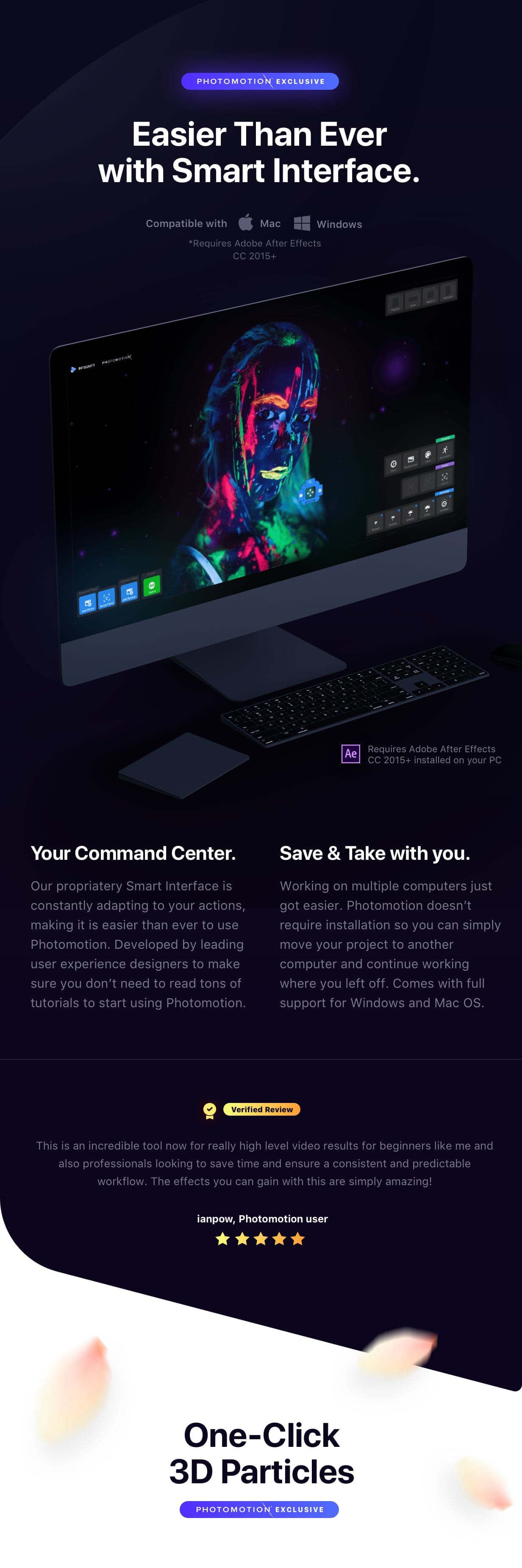
Compatible with Mac & Windows. Requires Adobe After Effects installed on your computer. Your Command Centre. Our proprietary Smart Interface is constantly adapting to your actions, making it is easier than ever to use Photomotion. Developed by leading user experience designers to make sure you don’t need to read tons of tutorials to start using Photomotion. Save & Take with you. Working on multiple computers just got easier. Photomotion doesn’t require installation so you can simply move your project to another computer and continue working where you left off. Comes with full support for Windows and Mac OS.One-Click 3D Particles
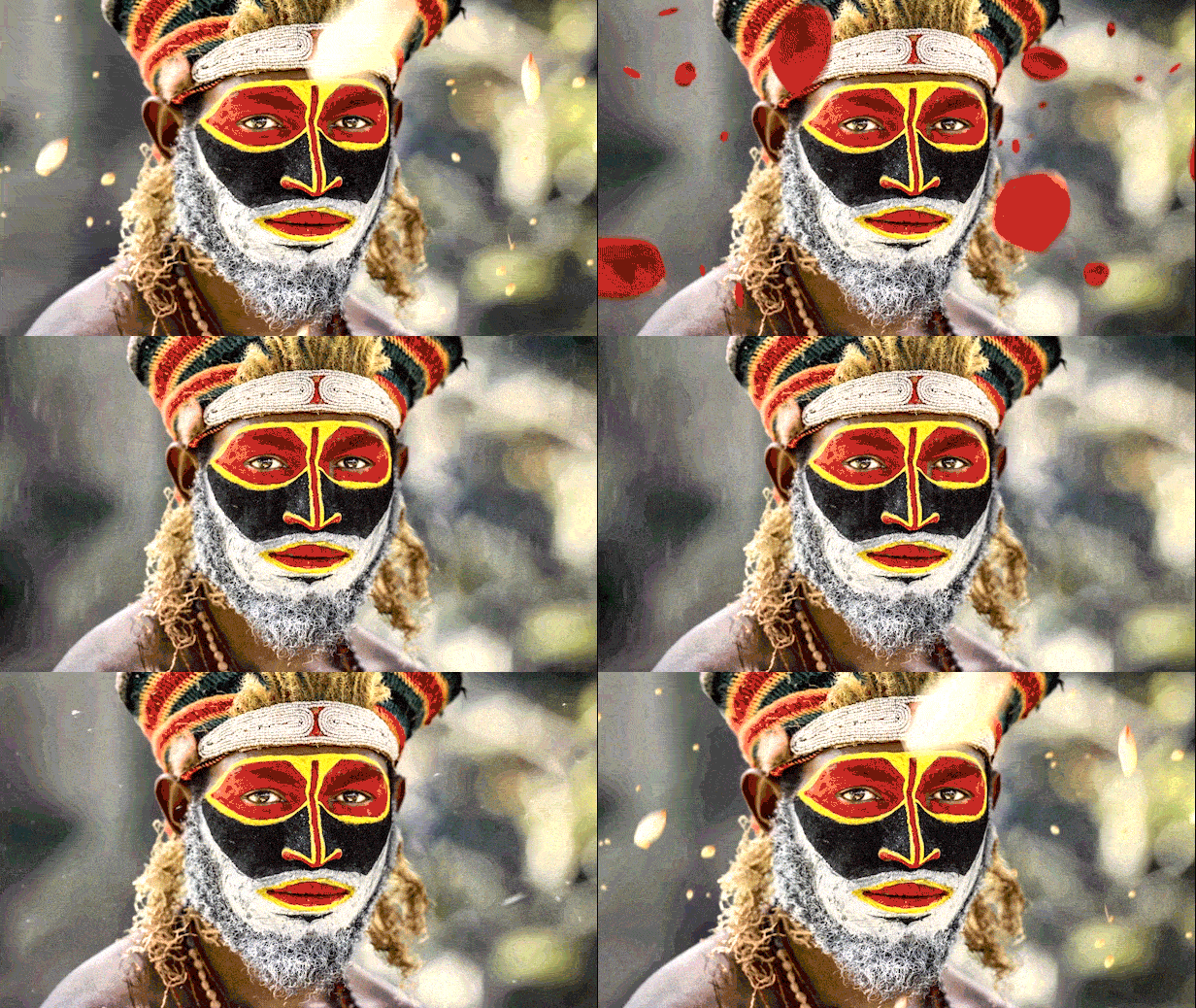
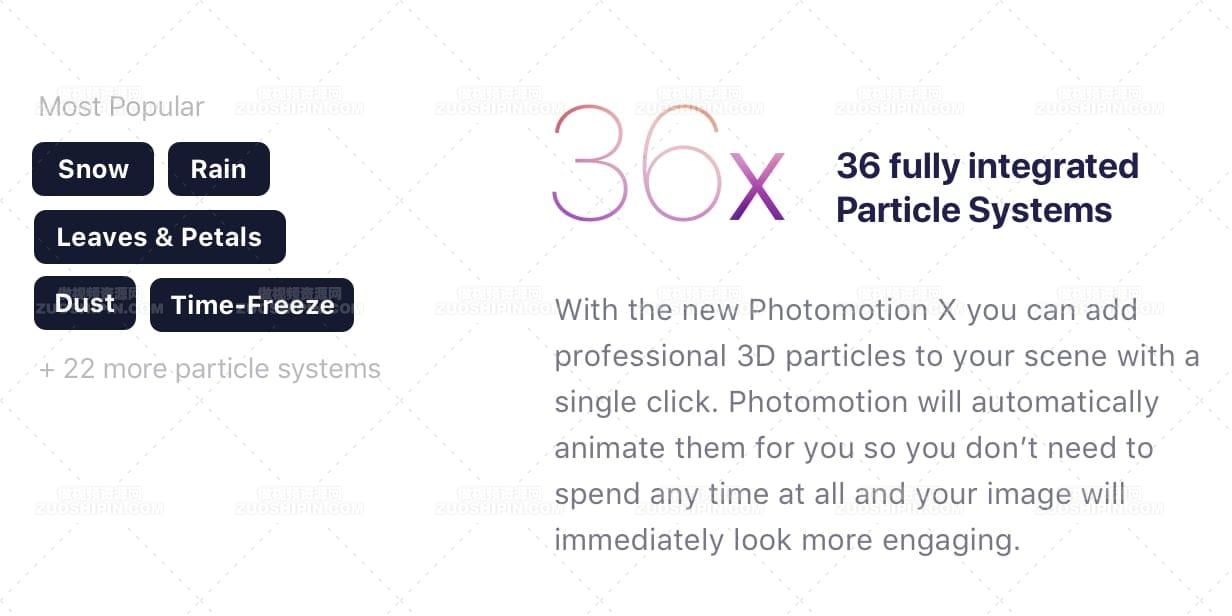
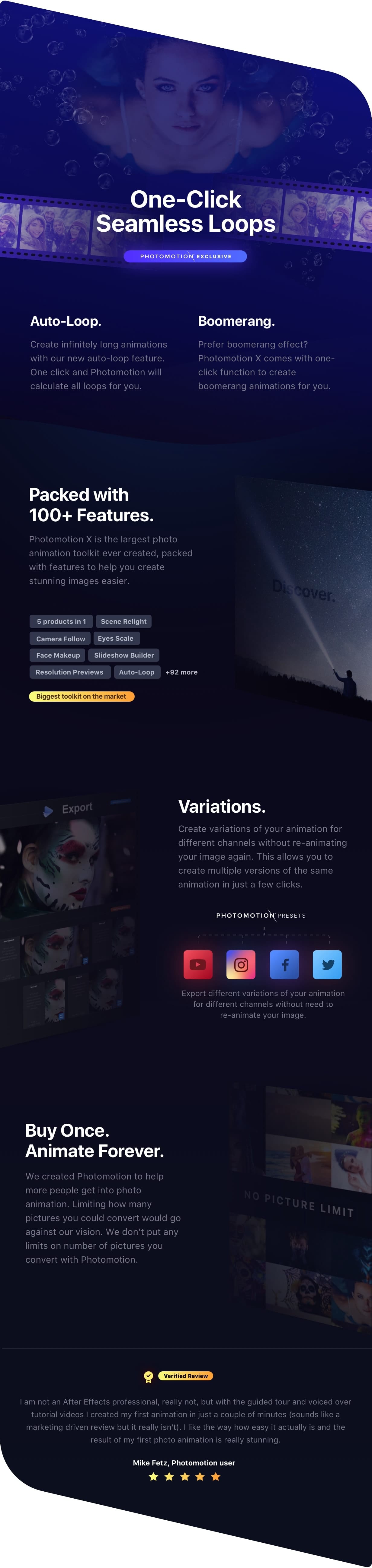
29 Fully Integrated Particle Systems With the new Photomotion X you can add professional 3D particles to your scene with a single click. Photomotion will automatically animate them for you so you don’t need to spend any time at all and your image will immediately look more engaging. Most popular: Snow, Rain, Leaves & Petals, Dust, Time – Freeze +24 more particle systemsOne-Click Seamless Loops
Auto-Loop. Create infinitely long animations with our new auto-loop feature. One click and Photomotion will calculate all loops for you. Boomerang. Prefer boomerang effect? Photomotion X comes with one-click function to create boomerang animations for you. Packed with 100+ Features Photomotion X is the largest photo animation toolkit ever created, packed with features to help you create stunning images easier.5 products in 1, Scene Relight, Camera Follow, Eyes Scale, Face Makeup, Slideshow Builder, Resolution Previews, Auto-Loop +92 more Variations. Create variations of your animation for different channels without re-animating your image again. This allows you to create multiple versions of the same animation in just a few clicks. Photomotion Presets Export different variations of your animation for different channels without need to re-animate your image. Buy Once. Animate Forever. We created Photomotion to help more people get into photo animation. Limiting how many pictures you could convert would go against our vision. We don’t put any limits on number of pictures you convert with Photomotion.Portrait
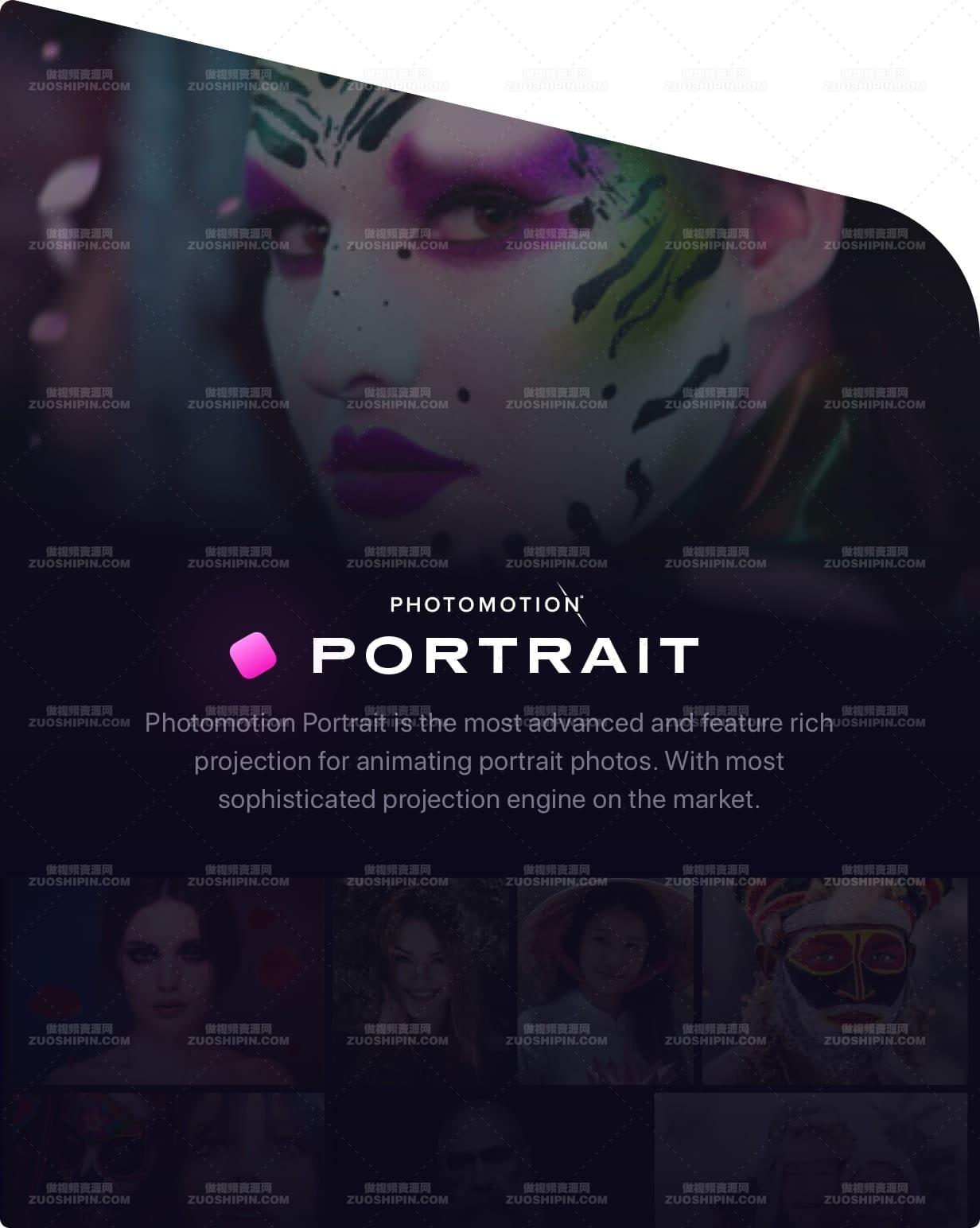
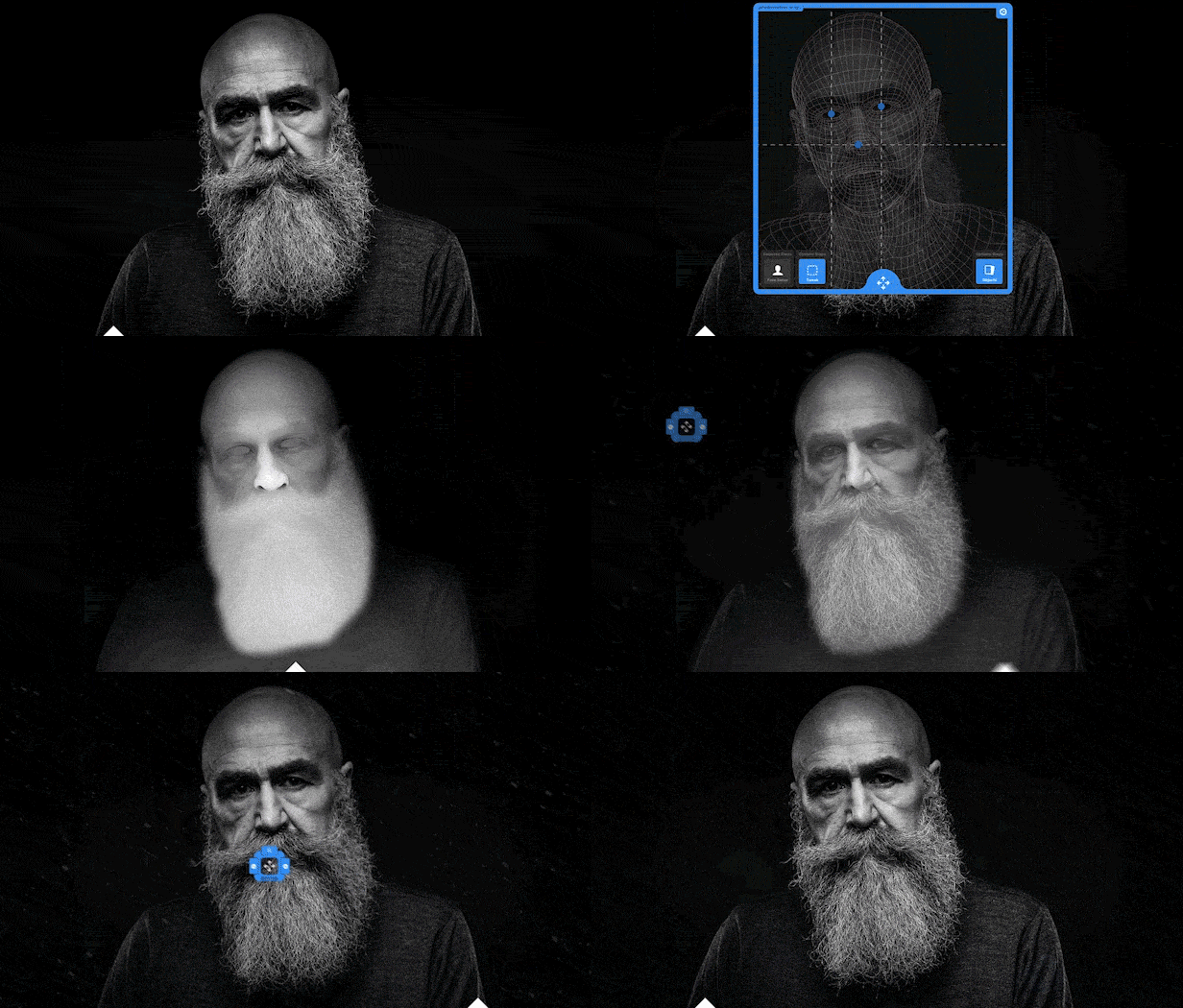
Photomotion Portrait is the most advanced and feature rich projection for animating portrait photos. With most sophisticated projection engine on the market. Use X-ray: Photomotion uses professional 3D body scans to give you the most realistic depth maps you can get. True Depth: Let our proprietery Photomotion Xray calculate 3D mesh by simply choosing positions of your eyes and nose. Move in 3D space: Use Smart Interface to move your face in real 3D space, add particles, enhance your animation and export your video.Glacier
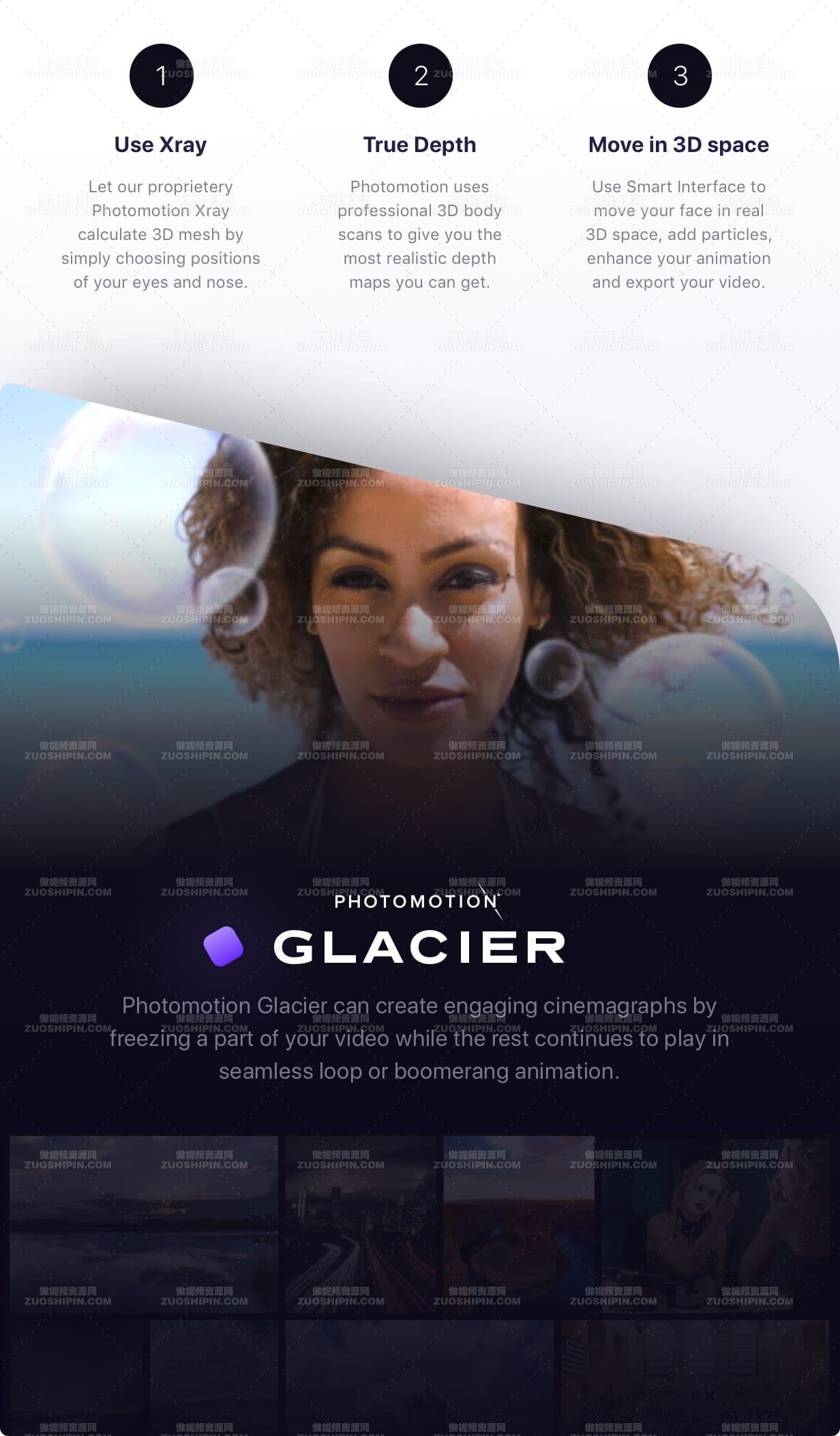
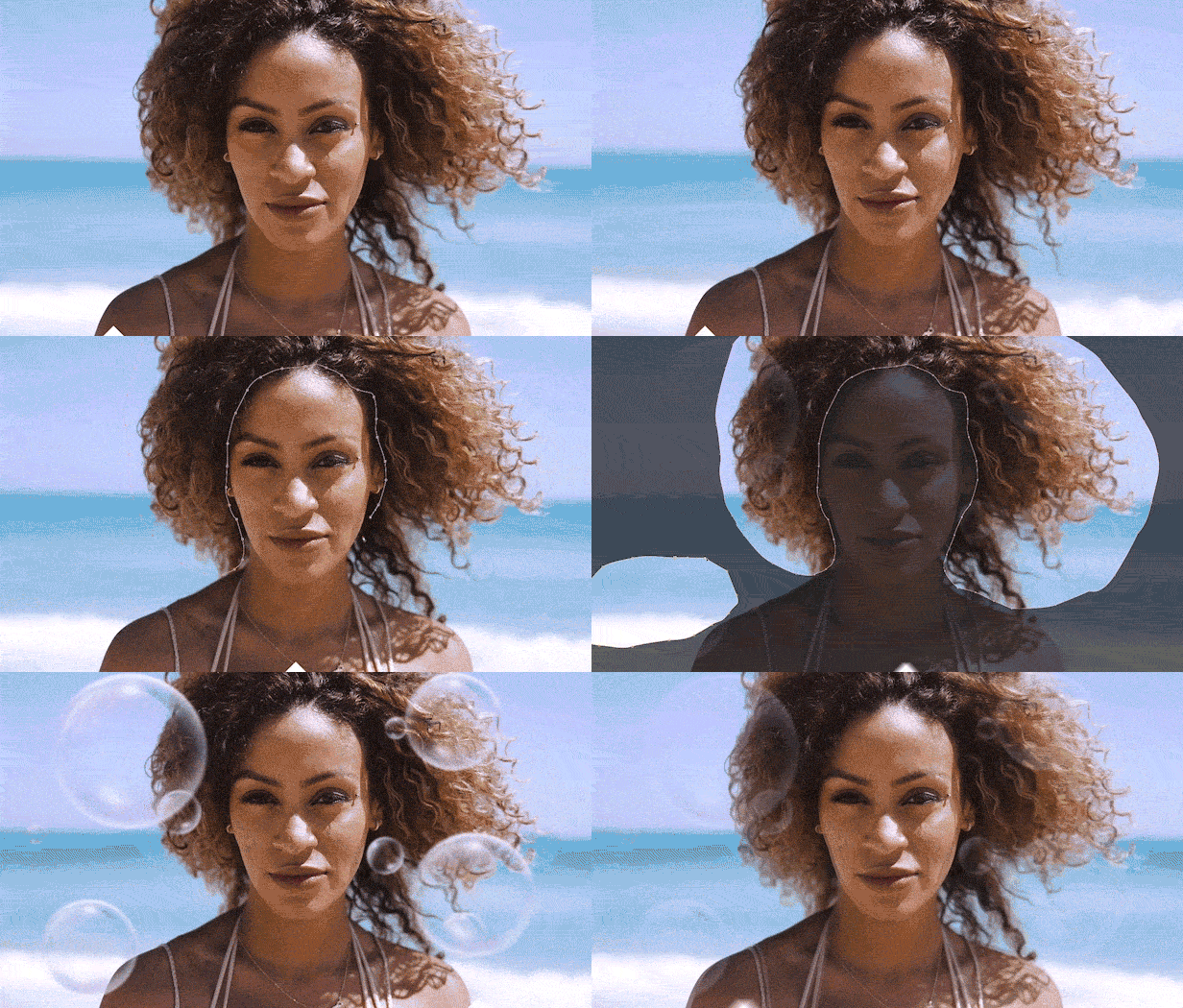
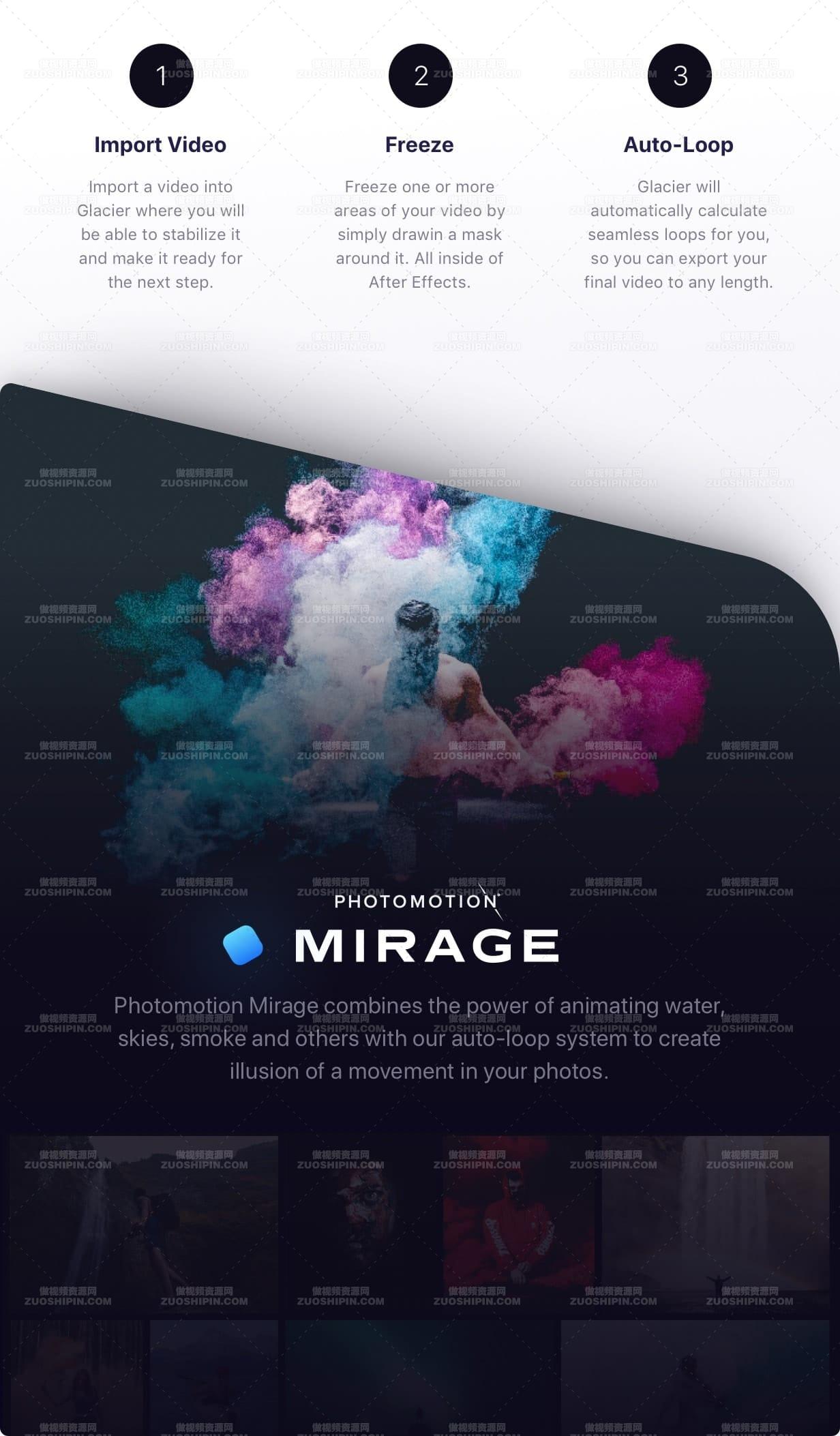
Photomotion Glacier can create engaging cinemagraphs by freezing a part of your video while the rest continues to play in seamless loop or boomerang animation. Import Video: Import a video into Glacier where you will be able to stabilize it and make it ready for the next step. Freeze: Freeze one or more areas of your video by simply drawin a mask around it. All inside of After Effects. Auto-Loop: Glacier will automatically calculate seamless loops for you, so you can export your final video to any length.Mirage
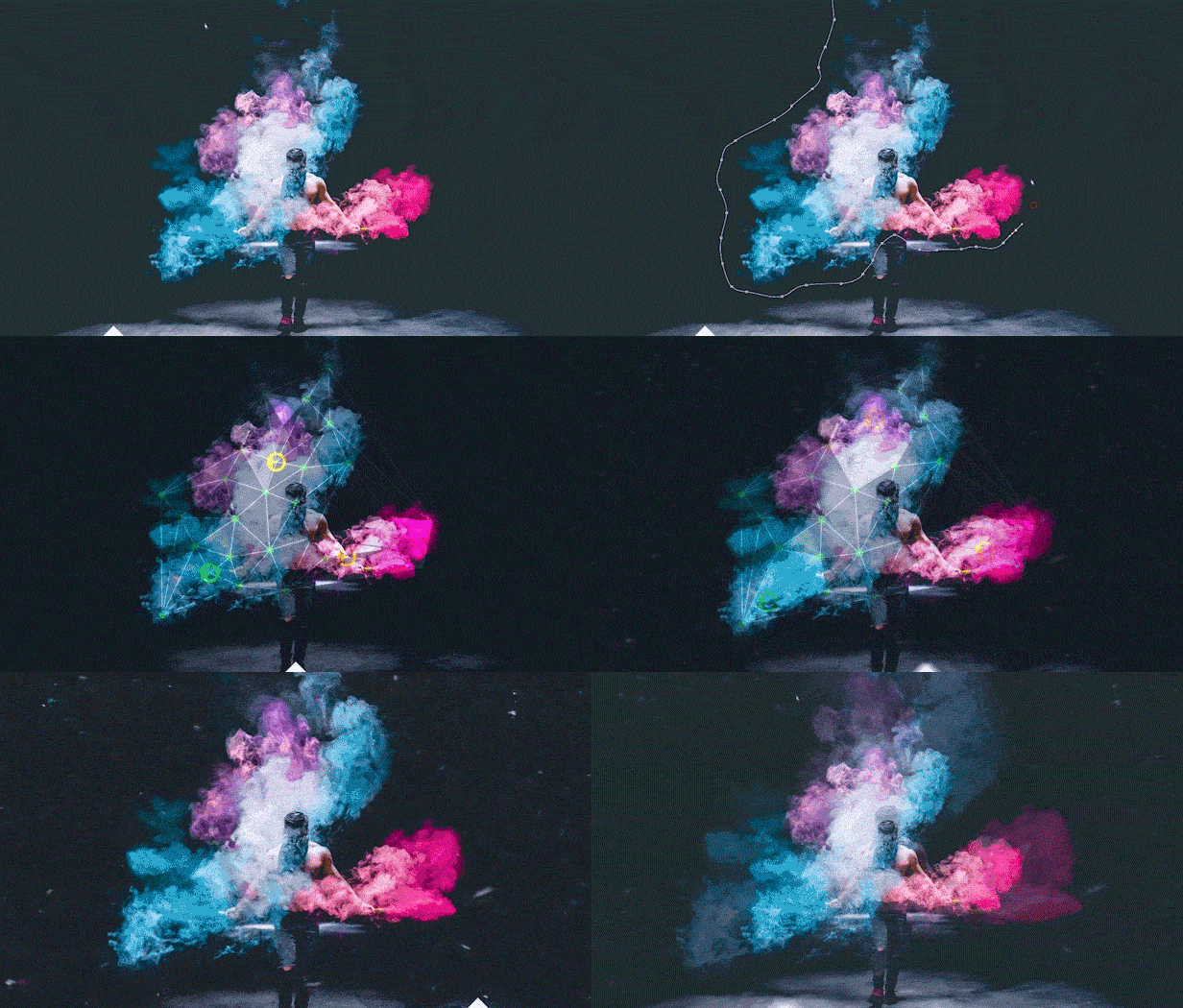
Photomotion Mirage combines the power of animating water, skies, smoke and others with our auto-loop system to create illusion of a movement in your photos. Mask: Import an image and create a mask around the area you want Mirage to animate. All inside of After Effects. Mesh Move: Mirage will calculate a mesh in your masked area and give you tools to animate it however you want. Seamlessly Looped: Mirage will then automatically caculate a seamless loop for you and let you export infinitely long animation.Horizon
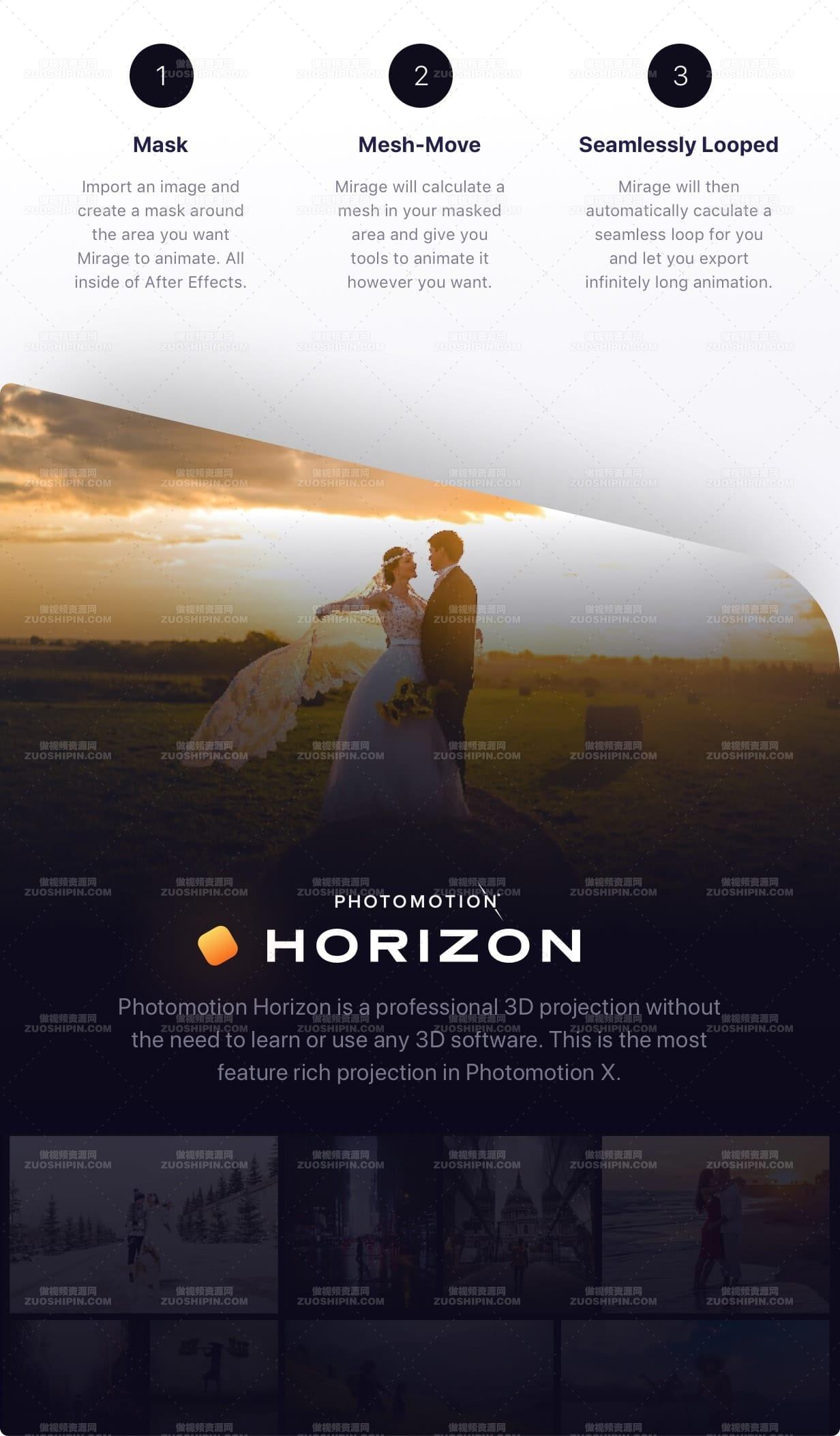
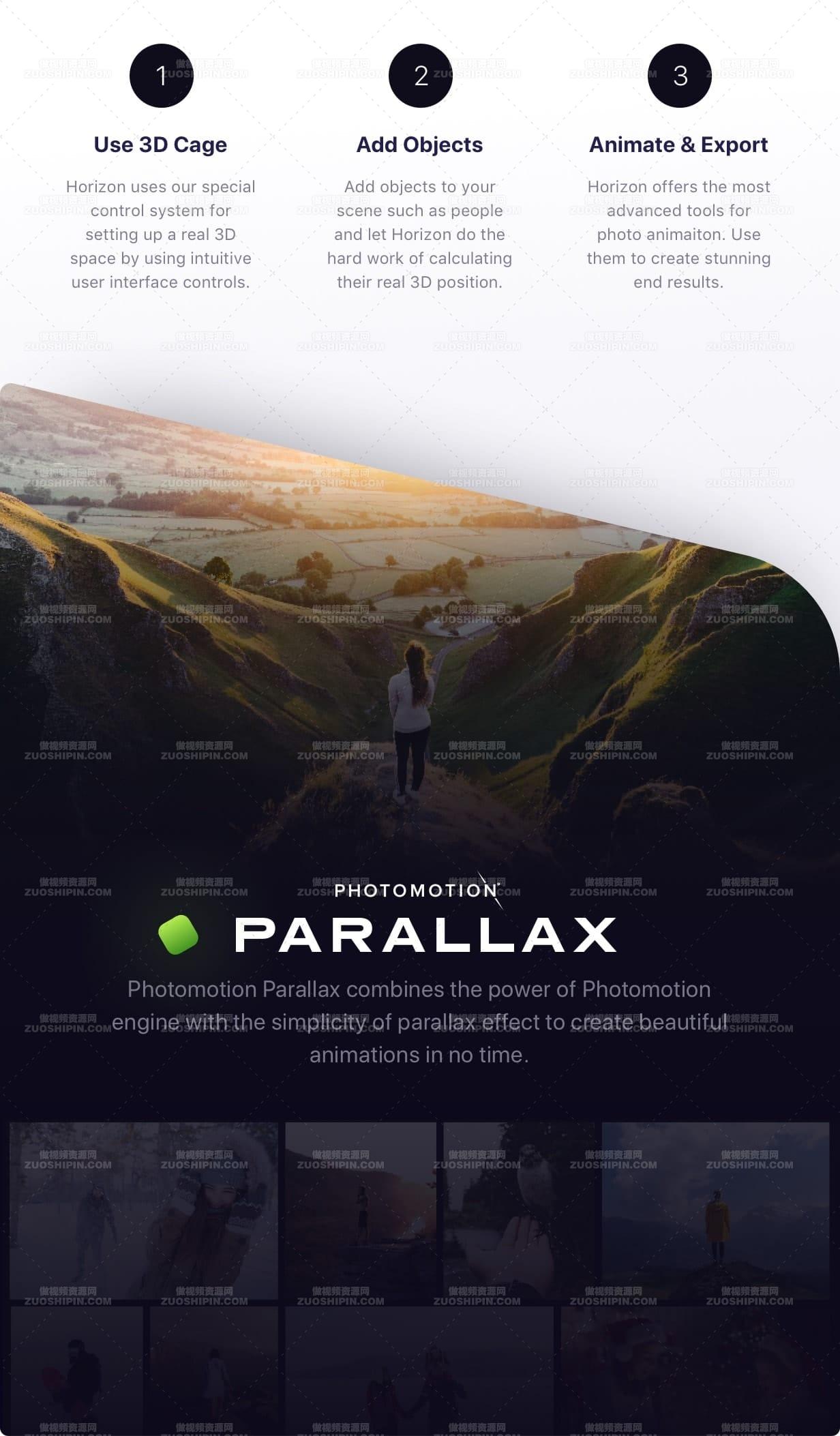
Photomotion Horizon is a professional 3D projection without the need to learn or use any 3D software. This is the most feature rich projection in Photomotion X. Use 3D Cage: Horizon uses our special control system for setting up a real 3D space by using intuitive user interface controls. Add Objects: Add objects to your scene such as people and let Horizon do the hard work of calculating their real 3D position. Animate & Export: Horizon offers the most advanced tools for photo animaiton. Use them to create stunning end results.Parallax
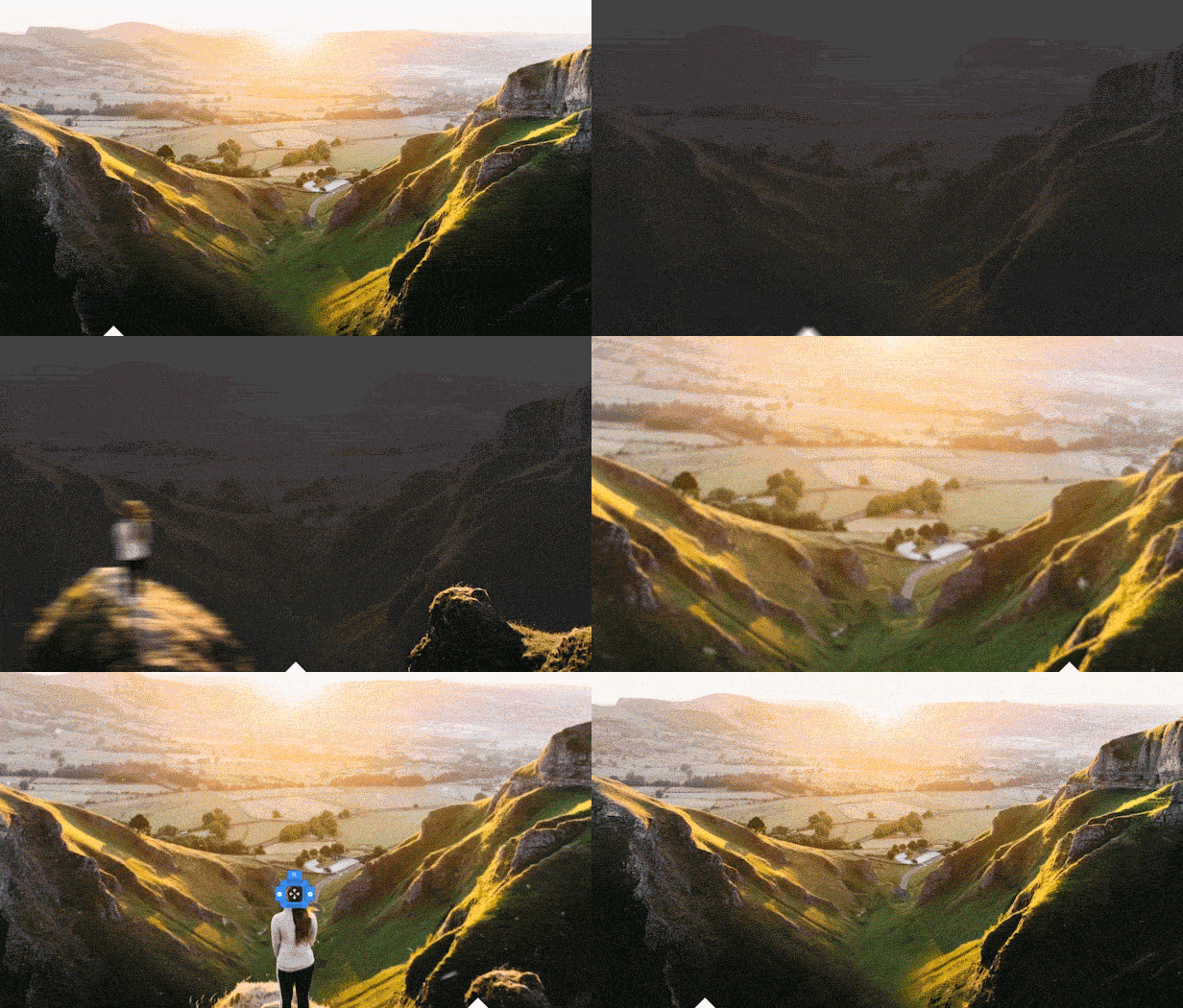
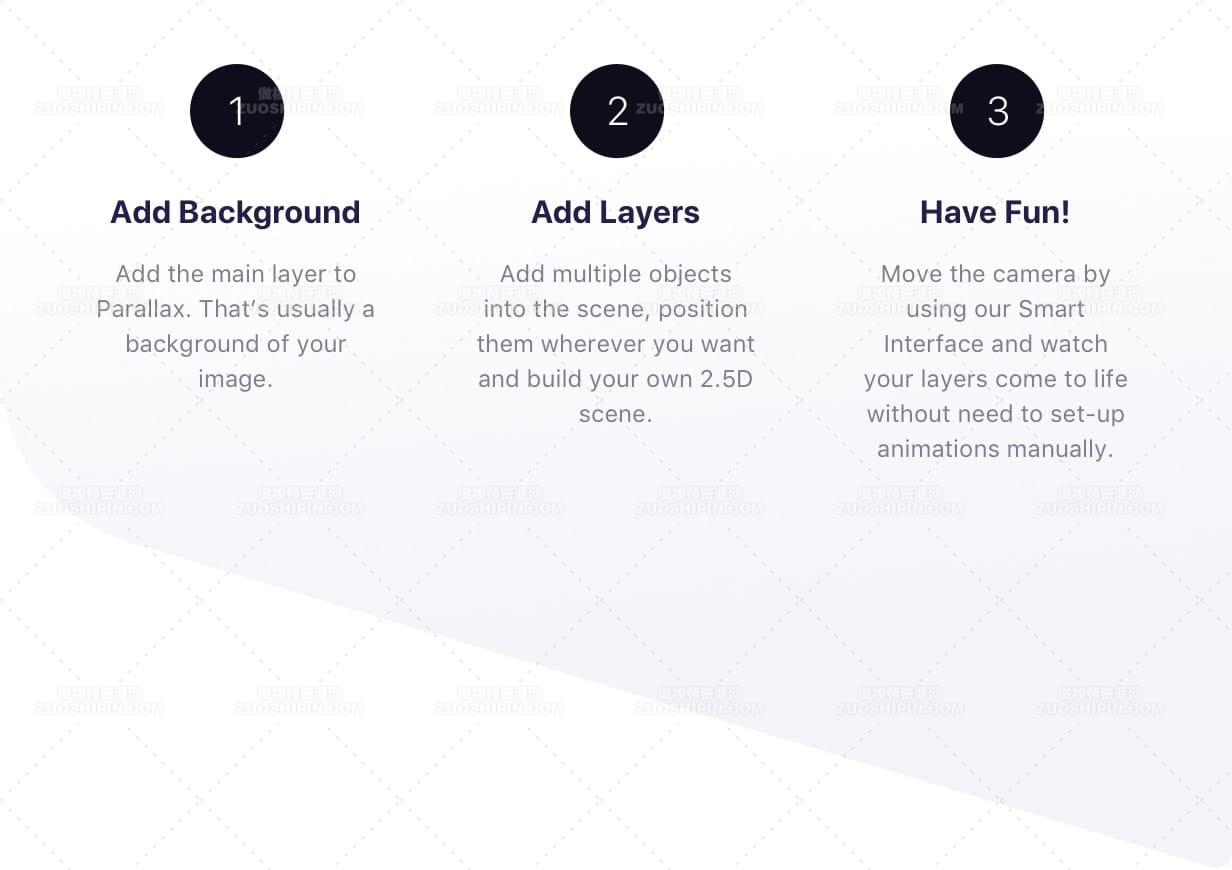
Photomotion Parallax combines the power of Photomotion engine with the simplicity of parallax effect to create beautiful animations in no time. Add Background: Add the main layer to Parallax. That’s usually a background of your image. Add Layers: Add multiple objects into the scene, position them wherever you want and build your own 2.5D scene. Have Fun! Move the camera by using our Smart Interface and watch your layers come to life without need to set-up animations manually.Suitable for beginners
Photomotion Easy to use and optimised for complete beginners as well as professionals Other Most tools aren’t optimised for beginners and first time usersSuitable for professional use
Photomotion full support for professional-grade tools, features and training Other most tools are offering very simple and limited featuresetSuitable for professional use
Photomotion full support for professional-grade tools, features and training Other most tools are offering very simple and limited featuresetNumber of projection methods
Photomotion 5 + new coming soonActive user base
Photomotion 14,000+ users, fastest growing user base on the market Other almost no other tool offers any type of community with their productSupport for different types of images
Photomotion widest support on the market, can convert approx. 95% images Other limited support, usually only usable on certain types of imagesUser interface
Photomotion fully portable user interface, no installation, simply open and go Other most offer no interface at all, some offer scripts that need to be installed manuallyTraining
Photomotion award winning video courses, dedicated support team +4 more Other very few offer a video tutorial, most offer just a basic trainingLive Chat
Photomotion dedicated live chat team distributed across 4 time zonesYour own account
Photomotion gives you secure access to training, community, licensing, rewards + a lot moreYour licenses
Photomotion activate, move and track your licenses from your own dashboardExclusive Content
Photomotion exclusive content available for all Integnity customersNew life for your social media.
Photomotion X comes with official export presets for social media.Free Effects Library.
We’ve packed Photomotion with plenty of re-usable assets such as color filters, particles, motion elements and more. Use them, mix them and customize them to easily create your own look for your animations. 10 categories, 180+ items, includedCustomer Care from A to Z.
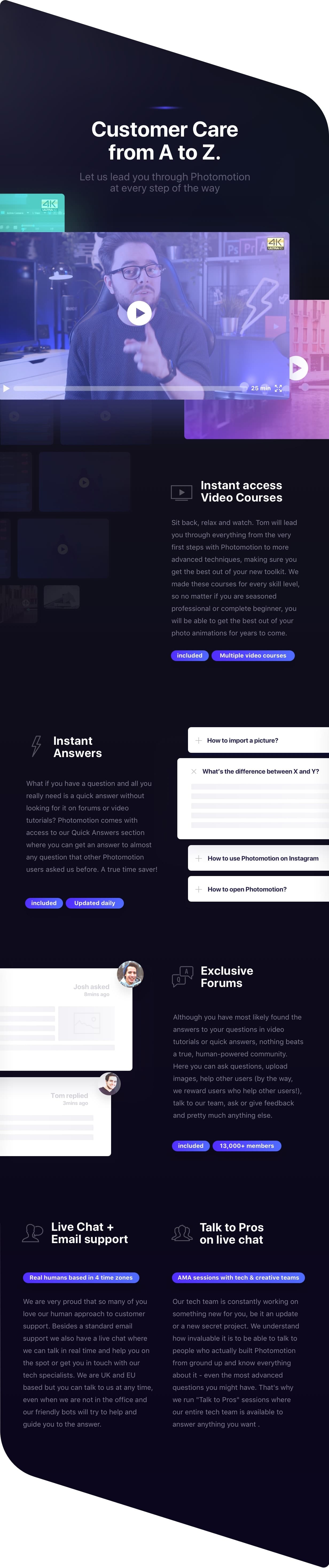
Let us lead you through Photomotion at every step of the way. Instant access Video Courses Sit back, relax and watch. Tom will lead you through everything from the very first steps with Photomotion to more advanced techniques, making sure you get the best out of your new toolkit. We made these courses for every skill level, so no matter if you are a seasoned professional or complete beginner, you will be able to get the best out of your photo animations for years to come. Instant Answers What if you have a question and all you really need is a quick answer without looking for it on forums or video tutorials? Photomotion comes with access to our Quick Answers section where you can get an answer to almost any question that other Photomotion users asked us before. A true time saver! Exclusive Forums Although you have most likely found the answers to your questions in video tutorials or quick answers, nothing beats a true, human-powered community. Here you can ask questions, upload images, help other users (by the way, we reward users who help other users!), talk to our team, ask or give feedback and pretty much anything else. Live Chat + Email Support We are very proud that so many of you love our human approach to customer support. Besides standard email support, we also have a live chat where we can talk in real time and help you on the spot or get you in touch with our tech specialists. We are UK based, but you can talk to us in pretty much any language – our AI powered system will convert your message to English and our responses to you will be automatically translated to your native language. Talk to Pros on Live Chat Our tech team is constantly working on something new for you, be it an update or a new secret project. We understand how invaluable it is to be able to talk to people who actually built Photomotion from the ground up and know everything about it – even the most advanced questions you might have. That’s why we run “Talk to Pros” sessions where our entire tech team is available to answer anything you want .One-time Purchase. Unlimited Pictures.
Regular License- All 5 projections
- Lifetime license
- Convert unlimited pictures
- Free updates
- Your own account
- Exclusive rewards
- +35 Pixel Coins
- Commercial & Broadcast use
- All 5 Projections
- Lifetime license
- Convert unlimited pictures
- Free updates
- Your own account
- Exclusive rewards
- +100 Pixel Coins
作品详情
- 文件格式:mp4
- 上传时间:2020-09-21
- 场景: 视频相册
- 版本要求: AE CC 2017 以上版本
- 分辨率: 1920*1080
- 时间长度: 01:22
- 文件大小: 688.90MB
- 插件支持: 暂无
相关推荐
-
最好时光清爽幻灯片AE模板素材Best Moments of Life
-
手指模拟相机取景器照片相册AE模板素材Perfect Frame
-
画中画双重效果视差幻灯片AE模板素材Double Exposure | Parallax Slideshow
-

美丽吊坠圣诞视频展示AE模板素材Christmas Slideshow
-
清新迷你照片幻灯片AE模板素材Catch-Phrase
-

玻璃质感相片展示视频相册模板Glass slideshow